
Rideshare Safety Guide
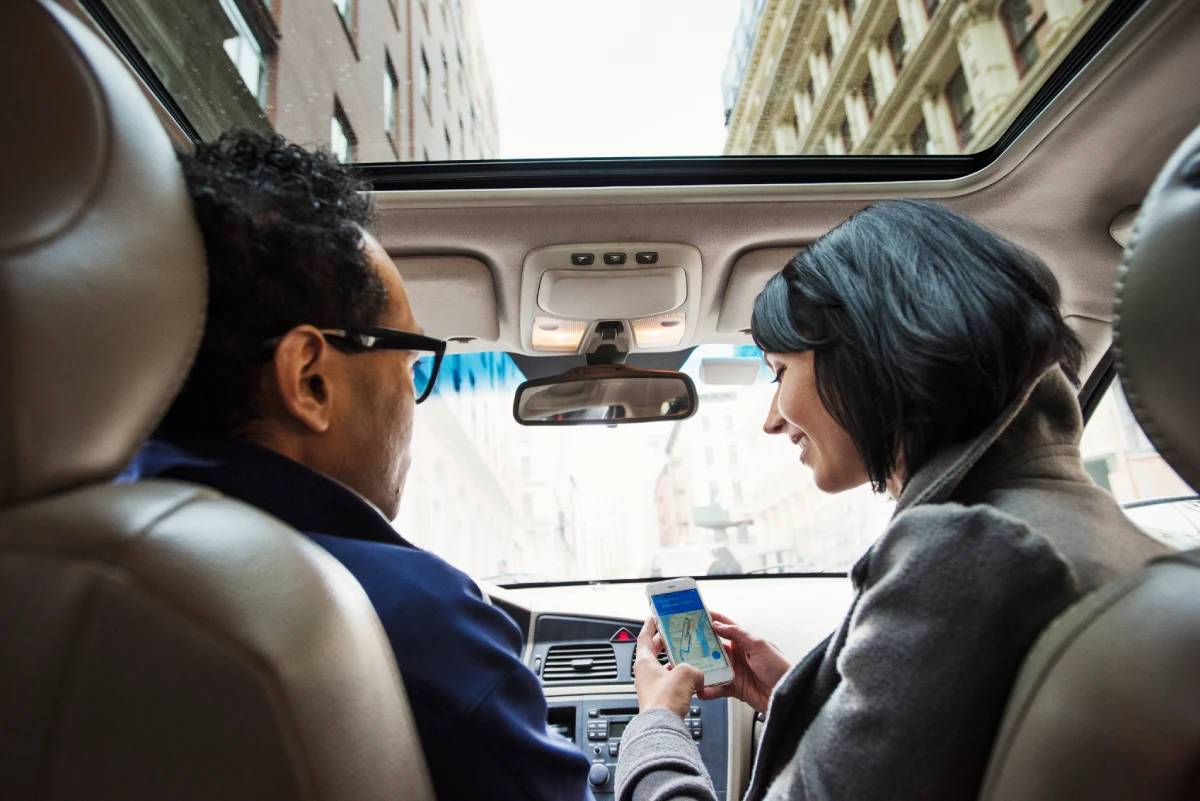
Rideshare apps like Uber and Lyft have made getting around more convenient than ever, but that ease carries some potential risks. Most of those risks are manageable with a few smart habits and an awareness of your surroundings. This guide outlines key rideshare safety tips to help you travel more confidently.
How To Stay Safe Using Rideshare Apps
Each time you open a rideshare app, you’re trusting a stranger to get you where you need to go. Here are some precautions that can make that experience safer:
- Check the driver’s details before getting in. Confirm that the photo, name, vehicle, and license plate match what’s shown in the app. If anything looks different, don’t enter the vehicle.
- Let the driver confirm who you are. When they arrive, wait for them to say your name.
- Travel with others when possible. Riding with a friend adds another layer of security.
- Keep your phone charged and within reach. A working phone lets you follow your route in real time, share your location, and call for help if something feels wrong.
- Sit in the back seat on the passenger side. This position gives you more personal space and an easier exit onto the sidewalk if you feel unsafe.
- Make sure you can open the door from inside. Before closing it, test the handle to confirm that the child lock isn’t engaged so you can exit freely if needed.
- Wear your seatbelt for every ride. Even short trips carry crash risks.
- Share your trip with someone you trust. Use your app’s sharing feature so a friend or family member can track your progress.
- Don’t share personal information. Your driver doesn’t need to know your phone number, home address, or other identifying details.
- Keep an eye on your surroundings. Follow your live route in the app and note familiar points along the way so you can tell if the driver takes an unexpected turn.
- Trust your instincts. If anything feels wrong, cancel the trip and ask the driver to drop you off in a well-lit public area.
- Get help if you feel unsafe. If you’re in danger, call 911 or use the app’s emergency feature.
Staying Safe Before You Ride
A safe trip starts before you even get in the car. Taking a moment to check the driver, vehicle, and pickup spot can help you avoid some of the most common rideshare risks.
Request Your Ride From a Safe Location
Wait indoors or in a well-lit public place until your driver arrives. Standing outside alone—especially if you’re distracted by your phone—can make you less aware of what’s happening around you.
If you must wait outside, stay alert to your surroundings and only use your phone to follow the driver’s route. Skip pickup spots that are dark, deserted, or out of view from others. Stay near busy sidewalks or building entrances where you’re easier to see.


Verify Your Ride
Before getting into any vehicle, pause to confirm it’s the one assigned to you in the app. Check the driver’s name, photo, and vehicle details, such as the make, model, color, and license plate. If any of those details differ from what the app shows, cancel the trip and request another.
Waiting for the driver to say your name adds another layer of security. It may be tempting to walk up and ask if the ride is yours, but doing so can make it easier for someone posing as a driver to claim your trip. A legitimate driver will already have your name and use it to confirm they’re picking up the correct passenger.
Never get into a car with someone who offers you a ride outside the platform. Rideshare apps log and track verified rides, which protects both riders and drivers in case something goes wrong.
Protecting Yourself During the Ride
You may not be behind the wheel, but you still play an active role in your safety. A few mindful actions can help you avoid situations that don’t feel right.
Sit in the Back Seat
Choose a seat in the back, preferably on the passenger side. This allows you to see both the driver and the road, keeps you within easy reach of either door if you need to exit quickly, and allows you to exit safely onto the curb. It also creates a comfortable distance between you and the driver, which helps keep the interaction professional.
Share Your Trip Details
Use your rideshare app’s safety tools to let someone you trust follow your trip in real time. Most apps allow you to share the driver’s name, vehicle information, and your map location. Having another person aware of your route ensures someone knows where you are if something unexpected happens.
Keep your phone nearby and easy to reach, but try not to spend the ride focused on it. Staying present helps you stay alert to the driver’s behavior and any route changes as you travel.
Trust Your Instincts
Your instincts are one of your most powerful safety tools. Don’t hesitate to act if the driver displays unusual behavior, makes unexpected route changes, or makes you feel uncomfortable for any other reason.
Use the app to end the trip, then ask the driver to pull over in a safe, public area so you can get out. If you ever feel threatened, use the app’s emergency button or call 911. You can also contact a loved one and stay in touch until you’re in a secure location.
Promoting Safety After the Ride
Once you’re out of the vehicle, request a new ride through the app or ask someone you know to pick you up. Taking a few quick steps afterward can help you keep others safe as well.
Report Any Concerns Immediately
If something about your trip felt off, report it as soon as possible. Both Uber and Lyft have in-app safety tools that allow you to flag issues such as inappropriate behavior or unsafe driving. These reports go directly to the company’s safety team for review and potential disciplinary action.
If you believe a crime occurred during your ride, contact law enforcement immediately. The officers will help you complete a report and use your provided information to guide their investigation. Provide as many details as possible, such as the driver’s name, the trip’s time and location, and what happened.

How To Report an Uber or Lyft Driver
To report a driver through Uber, open the app and go to “Your Trips.” Next, select the ride and tap “Help.” You can then choose the appropriate category, such as safety concerns. Be sure to provide detailed information about the incident—Uber’s 24/7 customer support team will review your report and follow up if it requests additional details.
To report a Lyft driver, open “Ride History” in the app and select the trip. Next, tap “Report an Issue.” You can describe the issue and request contact from Lyft’s 24/7 safety team via phone or chat.
Leave a Review
After each trip, take a moment to rate your experience in the app. Sharing honest feedback helps to promote safety and accountability in the rideshare community.
Your review can help to reward responsible drivers and alert the company to unsafe conduct that requires further investigation. If something made you feel uncomfortable, mention it in your comments so the company can address it quickly.
Both Uber and Lyft allow anonymous feedback, so you can be open about your experience without identifying yourself to the driver.

Additional Rideshare Safety Features
Beyond basic precautions, rideshare apps and other tools offer safety features that can help you further protect yourself on the road.
- Utilize In-App Safety Tools
Use the safety tools built into your rideshare app before and during each trip. Both major apps allow you to share your route in real time, record audio during your trip, and verify your ride with a four-digit PIN before it begins.
Each app also includes an emergency button. Uber connects you directly to 911, while Lyft links you with an ADT agency that can contact emergency services for you. Additionally, Uber’s RideCheck and Lyft’s Smart Trip Check-In use GPS to detect unusual activity and automatically check in if your route takes an unexpected turn.
- Stay Informed About New Safety Measures
Keep your rideshare app updated to access the latest safety features. Review app notifications and company announcements regularly so you’ll be ready to use the newest tools as soon as they’re available.
Staying informed also allows you to make informed decisions about your rideshare options. If one app adds a feature that the other doesn’t have, consider switching to the one that offers stronger safety protections.
- Use Third-Party Safety Apps
Your safety tools aren’t limited to what the rideshare apps have to offer. Third-party apps such as Life360, Aster, and Noonlight allow you to share your live location with friends or family and send alerts if you need help. These apps often have more robust features than the rideshare apps’ similar offerings.
You can also use your phone’s built-in features—such as Apple’s Find My Friends or Location Sharing in Google Maps—to help others confirm your location and arrival in real time.

Rideshare Safety for Women
Women often face unique safety risks when using rideshare services. Rideshare safety statistics from Lyft show that while more than 99.9% of its rides occur without any safety incident, reported sexual assaults remain a serious issue. In 2019, there were 1,807 reports of non-consensual kissing, touching, and attempted or completed sexual penetration during rides through the platform.
Both Uber and Lyft are expanding features that give women more choice in their rides. Uber’s Women Preferences lets women riders request trips with women drivers, either on demand or in advance. Similarly, Lyft’s Women+ Connect allows women and nonbinary riders and drivers to match more frequently.
While these measures may strengthen rider protection and further reduce sexual assault incidences, it’s still important to remain aware of your surroundings while ridesharing as a woman. Keep your phone within reach, and don’t be afraid to take action if something doesn’t feel right.
Ending the ride early and requesting to be dropped off in a public place is always a reasonable choice. Your comfort and safety take priority over completing the trip.
Rideshare Safety for Students
College students make up a significant share of Uber and Lyft riders. Ridesharing offers flexibility for students on the go, but it can put young adults at risk, especially when traveling at night or while intoxicated.
Many universities operate their own campus transportation programs that offer free or low-cost rides within a certain radius of the school. These services can be a safer alternative to traveling alone in a private Uber or Lyft. That’s because they’re typically managed by the university, limited to enrolled students, and monitored through campus security.
Building a Safer Rideshare Experience for Everyone
Rideshare services can make life easier, but no trip is worth your safety. Stay alert, plan ahead, and use our rideshare safety tips to protect yourself.
If something feels wrong, end the ride and get to safety. You deserve peace of mind each time you step into a car.